 YumDay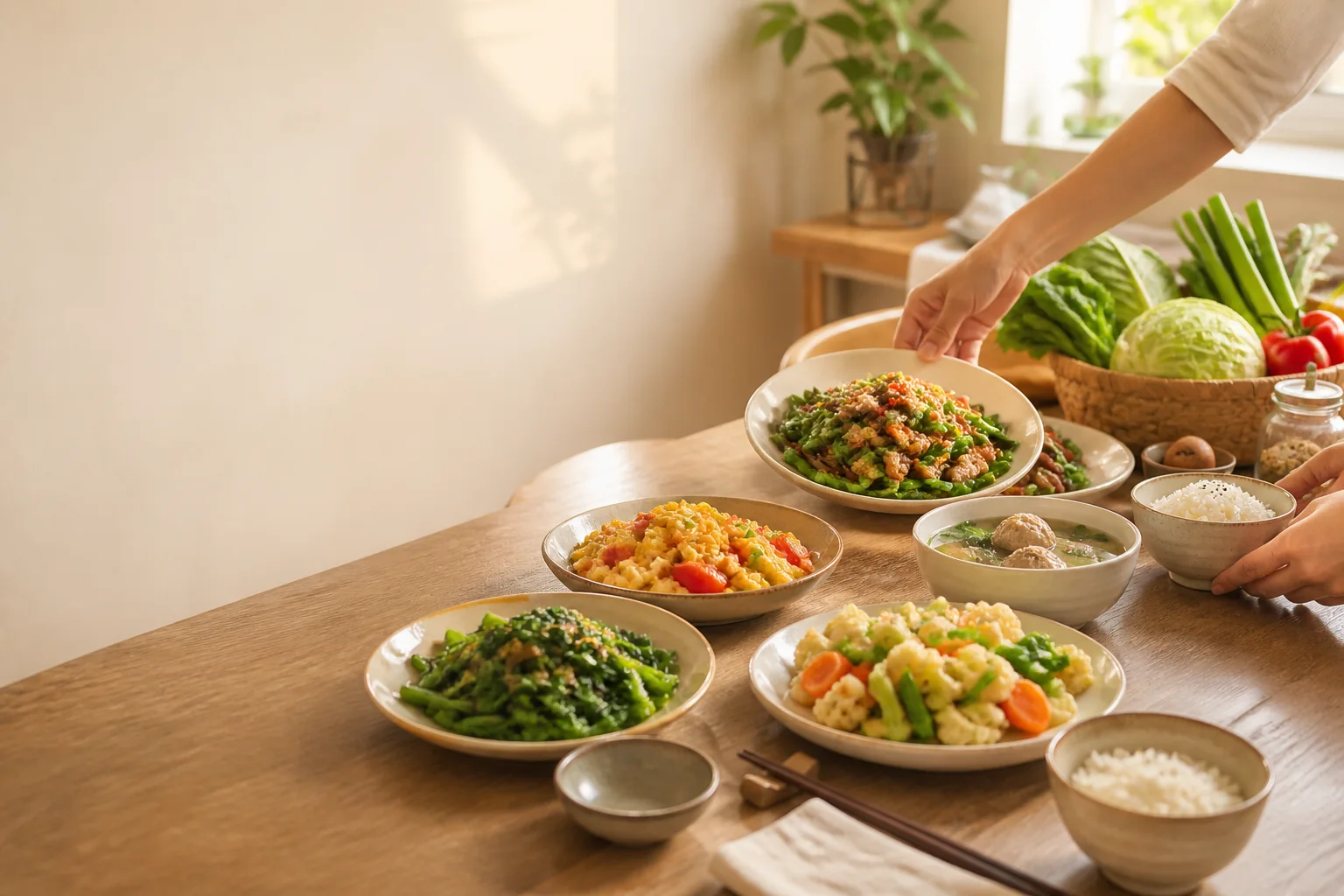
01
Save recipes easily, with AI when you want it
Start with a recipe name. Add photos, steps, nutrition and recommendations later, or use AI for recognition, completion and images.
Keep family recipes, fridge items, and every meal in one app that syncs across your household. Android is available directly from this website.
Start with a recipe name. Add photos, steps, nutrition and recommendations later, or use AI for recognition, completion and images.
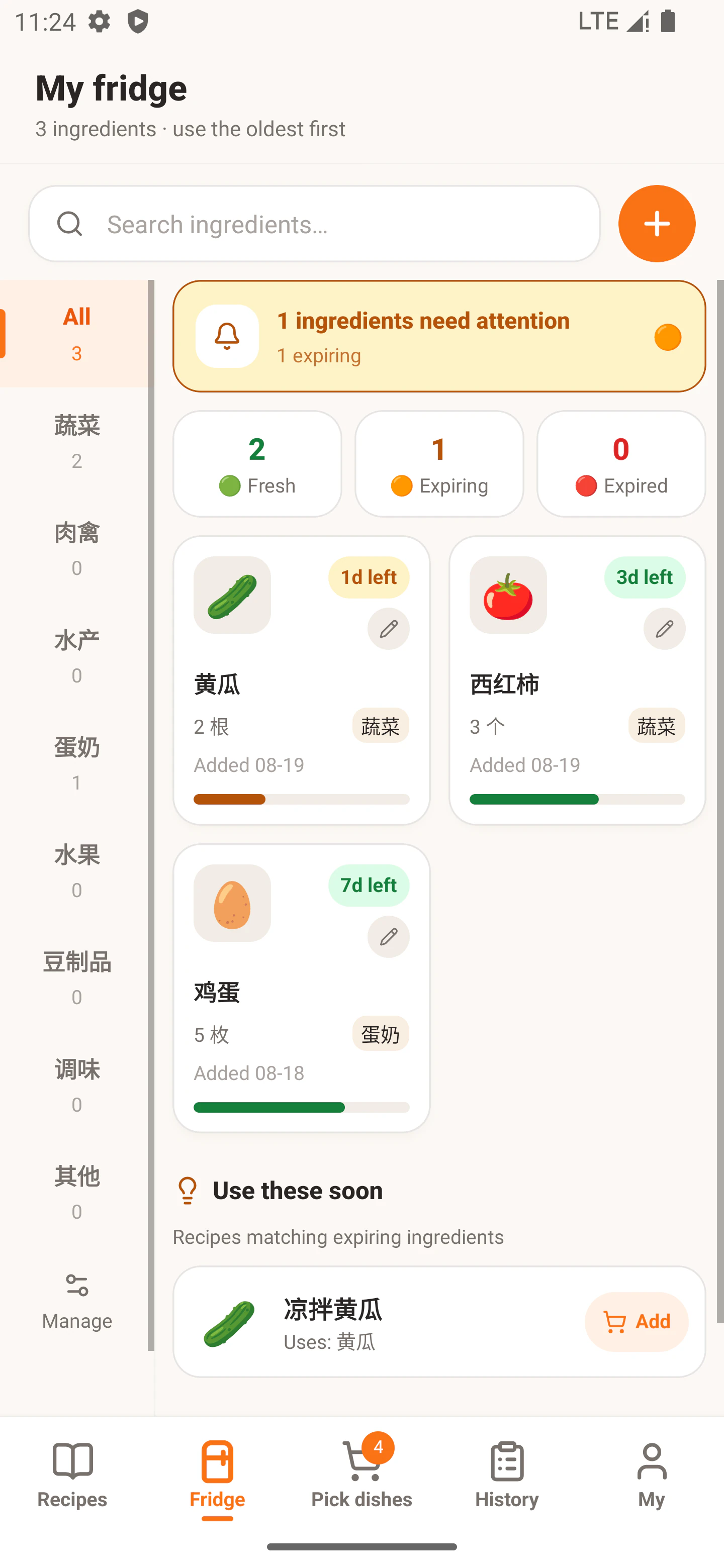
Track ingredients, amounts and shelf life, see expiry reminders together, and find recipes that use what you already have.
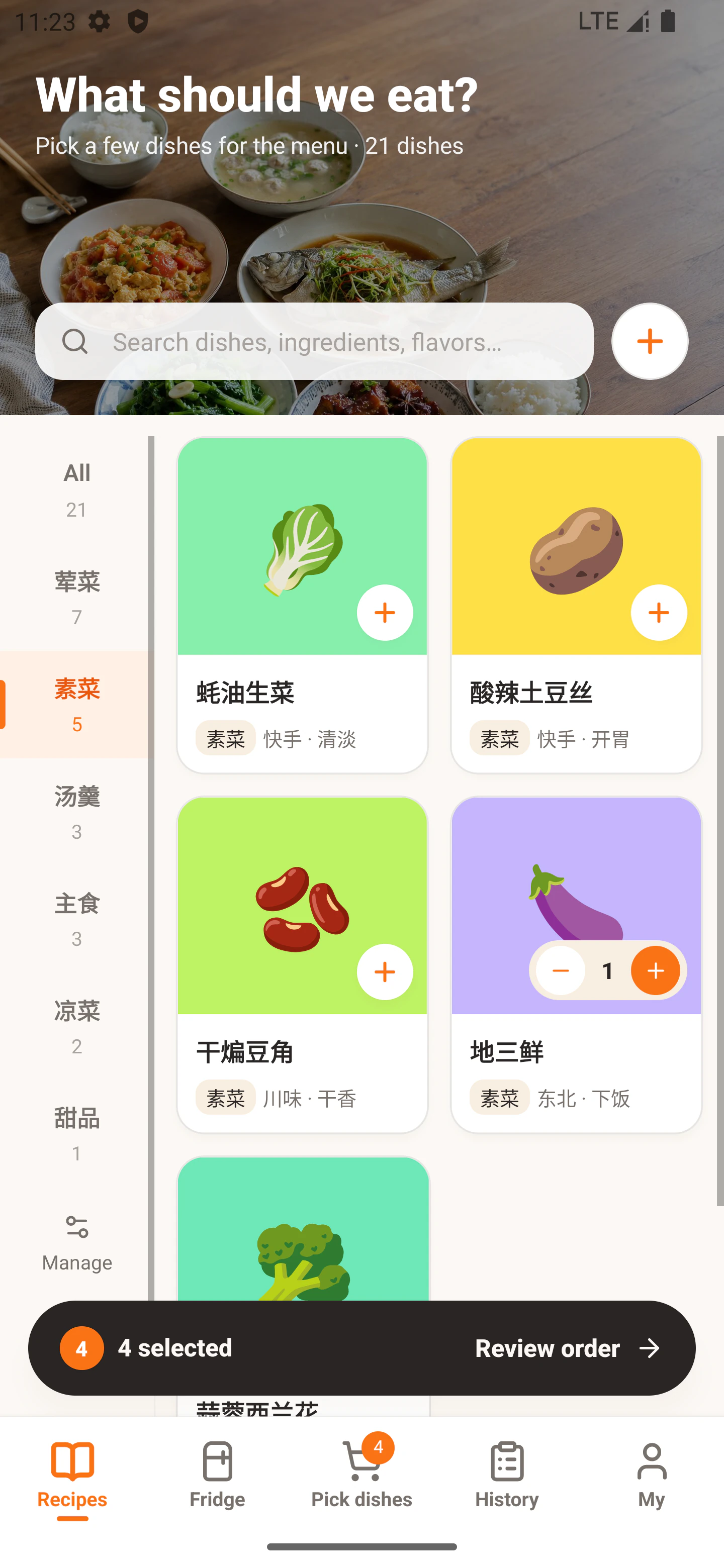
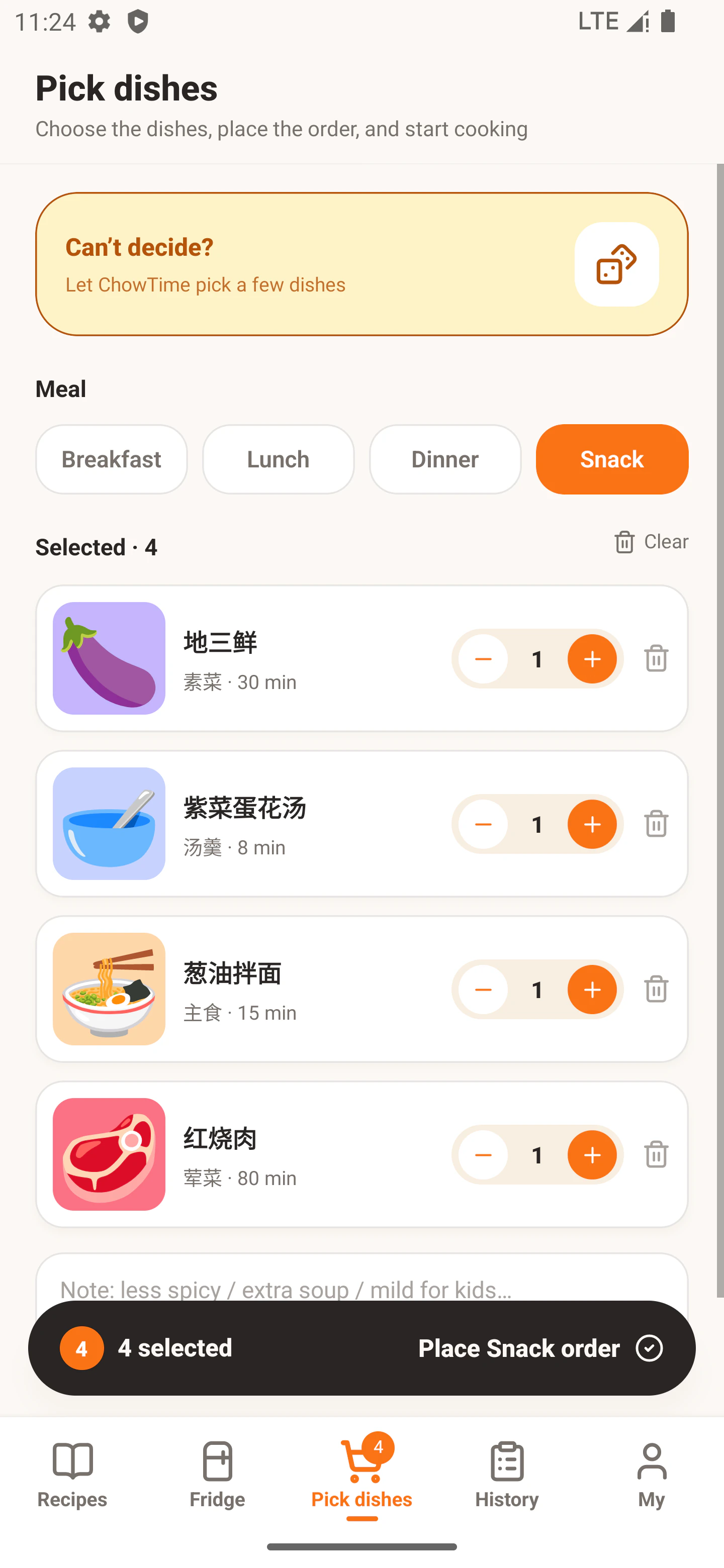
Pick from your own recipes, adjust portions, record who chose each dish, and create the meal order.
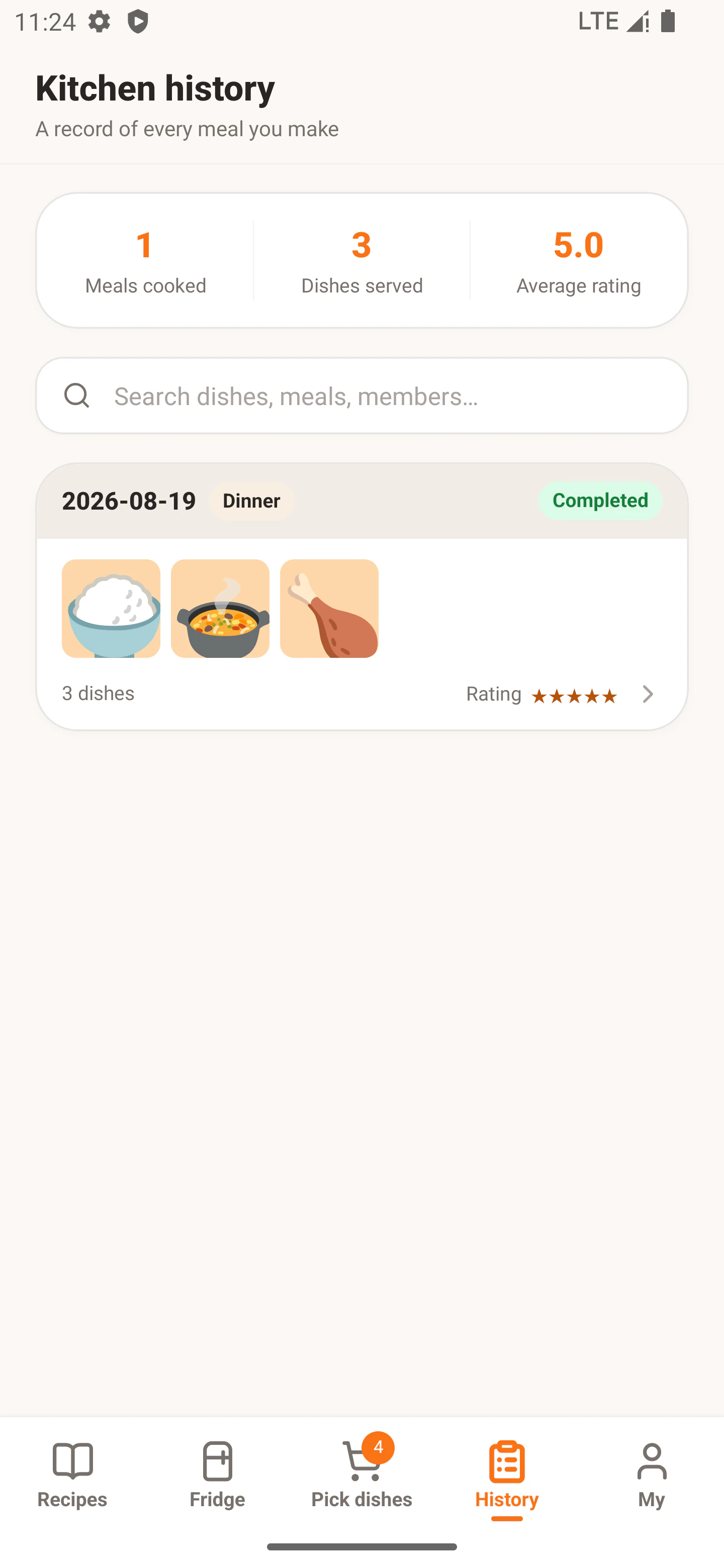
Save finished photos, ratings and notes, then update fridge stock based on what was actually used.
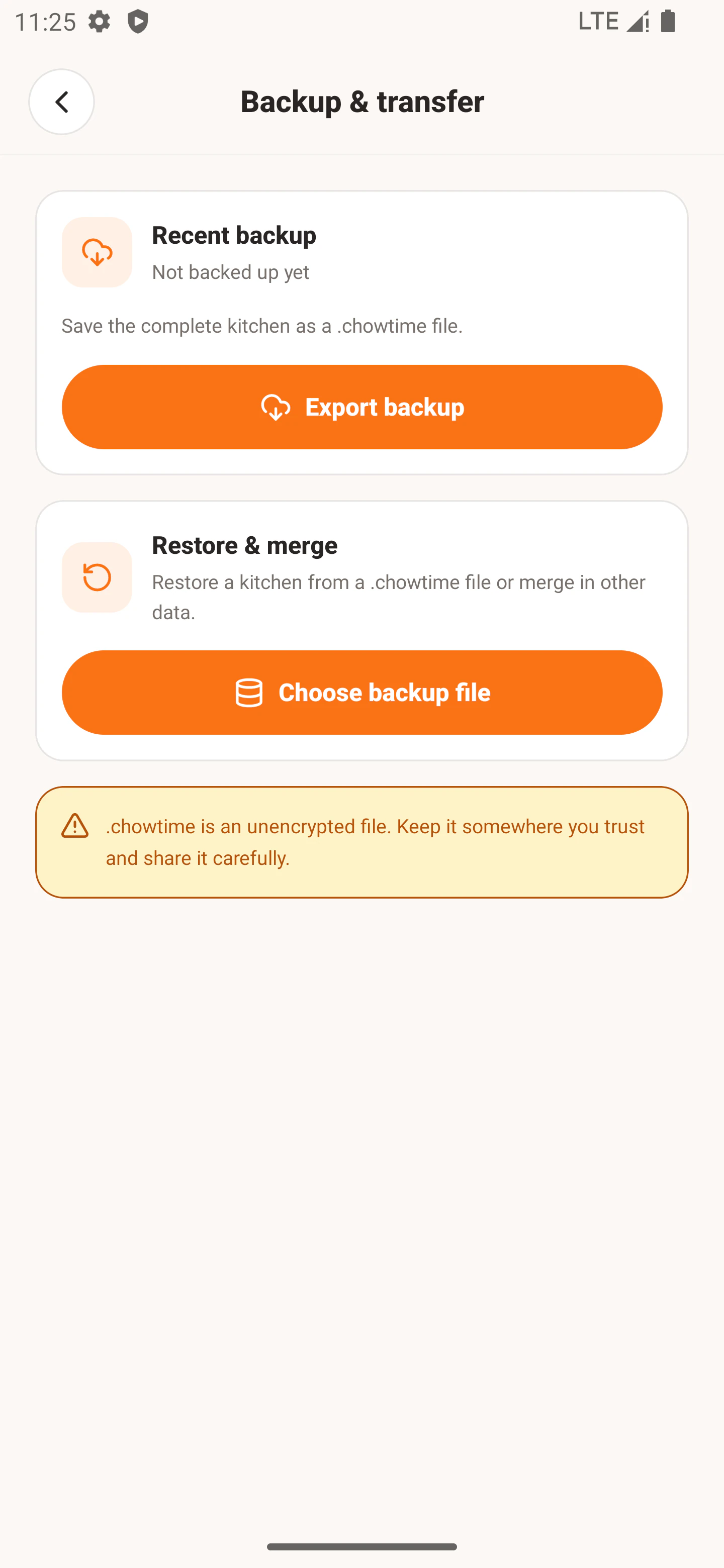
Sign in with the same account on a new device and the current kitchen is already there. Export a complete kitchen backup whenever you want an extra offline copy.
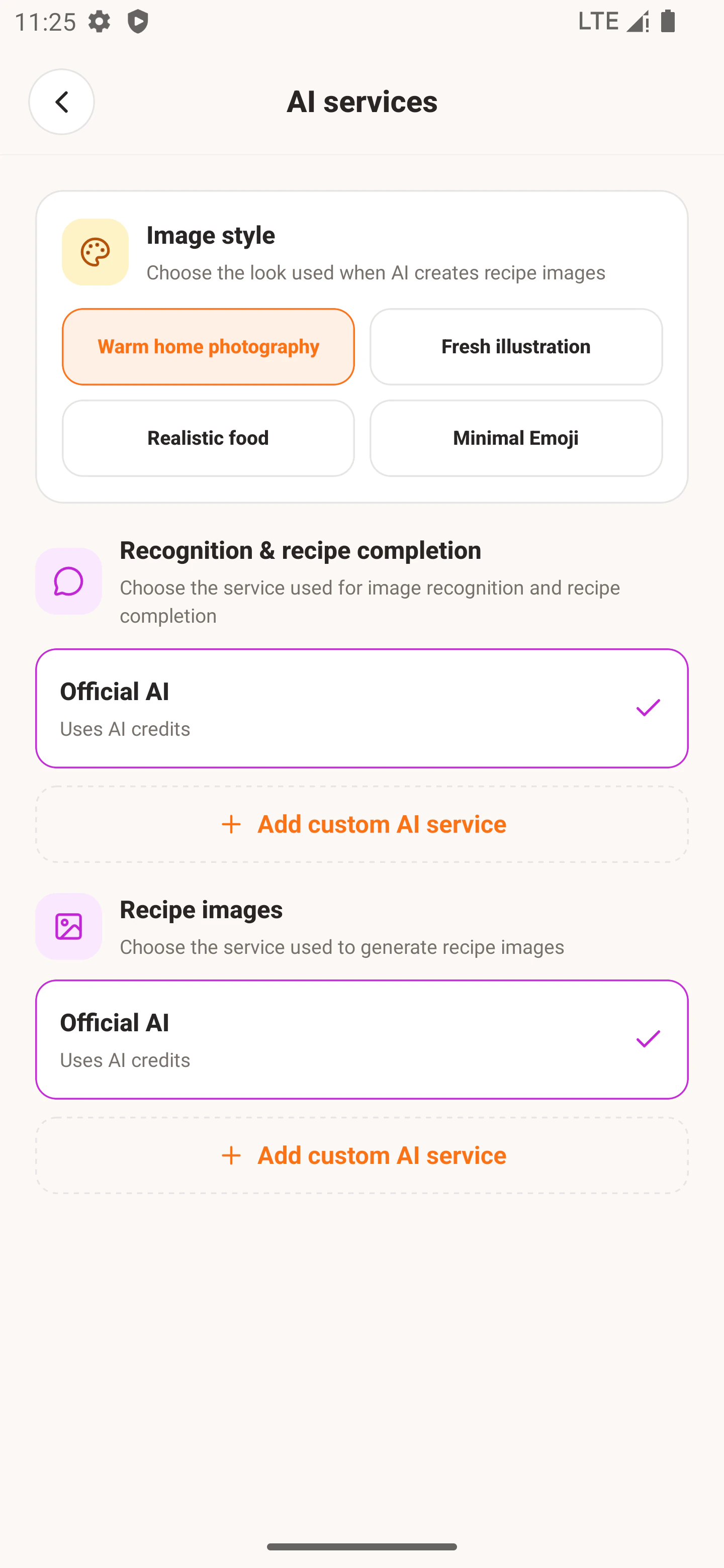
Use official AI credits or connect your own AI service. Configure recognition, recipe completion, image generation and image style separately.
Accounts, sync scope, image storage and AI content boundaries are stated explicitly, so you can choose what fits your home.
The main things to know before installing.
Yes. Sign in with an email code, then create or join a kitchen. The same account sees the same kitchen data on every device.
Yes. Kitchen data (recipes, fridge, cart, orders, member names) is stored in Supabase, and recipe images live in private kitchen storage. Prompts, request images and AI output still go straight from the device to OpenRouter.
You can read what was last loaded, but writes are reported as unsaved and unavailable until the connection returns. AI, update downloads and external sharing also need a network or system service.
Sign in with the same account and the current kitchen data is there. For an extra offline copy, export a .yumday file from Backup & Transfer (the file is unencrypted, so store and transfer it carefully).
No. AI is only for optional recognition, completion and images. Local recipes, fridge and ordering do not depend on it.
The key stays in device secure storage, and requests go directly from your device to the service you configure.
Yes. You can select family members for each dish in an order. It is a meal record, not task assignment or real-time collaboration.
The website APK supports Android 9 and later. App Store and Google Play releases are being prepared.